The Best AI Tools for Writing LinkedIn Posts, Stage by Stage
No single AI tool is best at every part of a LinkedIn post. Here's what to use for ideas, hooks, drafting, polishing and publishing, plus when it's simpler to use one tool for everything.
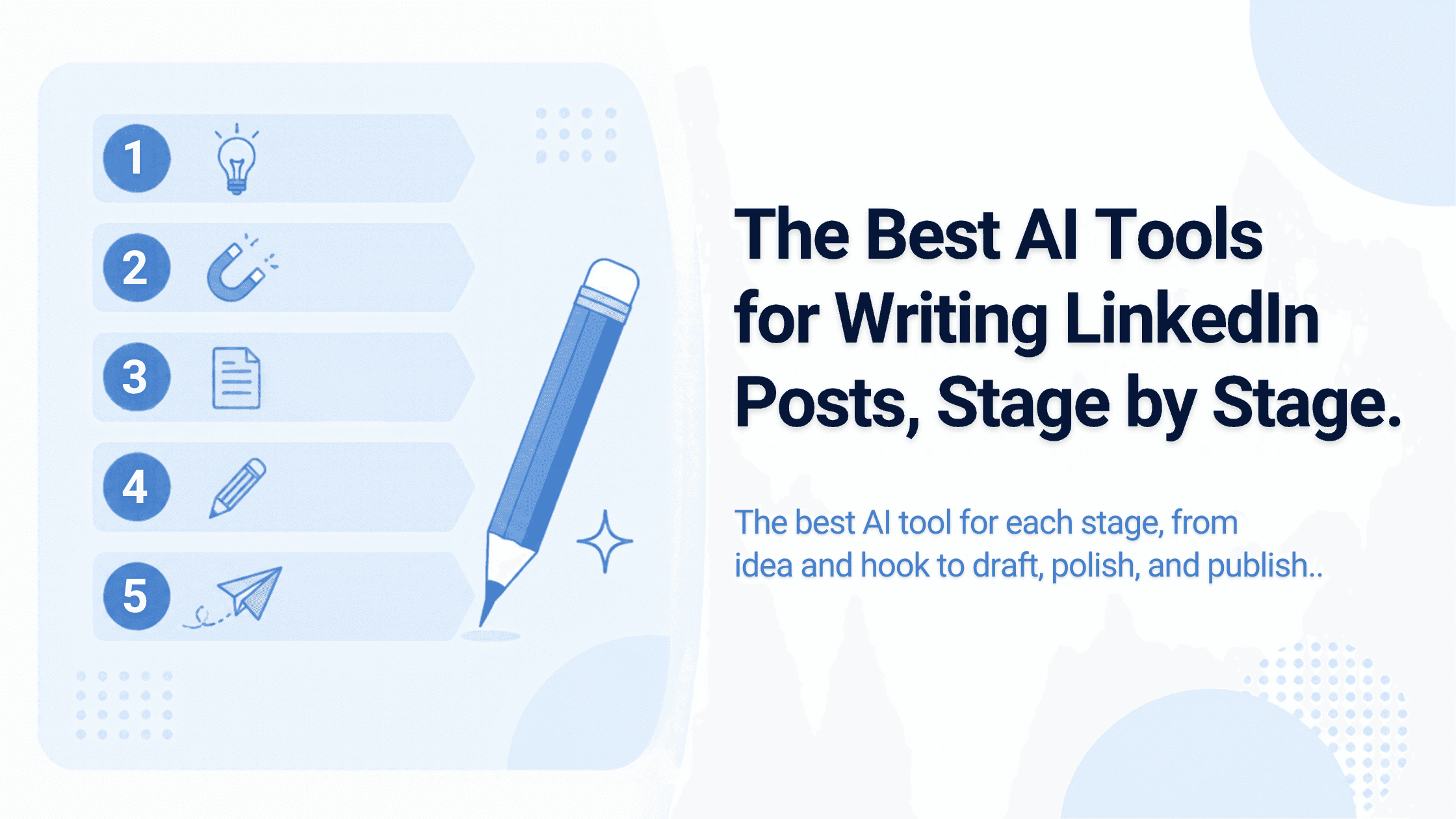
Most "best AI tools" lists rank products against each other as if they all do the same job. They don't. Writing a LinkedIn post has five distinct stages, and different tools are good at different ones:
- Idea: what's worth saying
- Hook: the first two lines
- Draft: the body, in your voice
- Polish: formatting and editing
- Publish: scheduling and posting
This guide picks a tool for each stage, then covers when it's simpler to use one tool for all five. We make Coflux AI and some of the free tools mentioned, and we say so where they appear. Prices are from vendor pricing pages, checked October 11, 2026.
Stage 1: Ideas
Best tool: a general AI chat (ChatGPT, Claude, Gemini) used as an interviewer, not a writer.
AI is weak at inventing ideas worth posting, because good ideas come from your experience. It's strong at pulling them out of you. Try this prompt:
Interview me to find three LinkedIn post ideas from my last two weeks of work. Ask one question at a time. Focus on decisions, mistakes, customer conversations and numbers that surprised me. Don't suggest generic topics.
After ten minutes you'll have raw material no template can give you. For a starting list of angles, see 50 LinkedIn Post Ideas for Entrepreneurs.
Stage 2: Hooks
Best tool: a dedicated hook generator, then your own rewrite.
The opening two lines decide whether anyone clicks "…see more". A hook tool is useful for seeing several angles fast. Our free LinkedIn Hook Generator does this (we built it). Taplio and Kleo also include large hook libraries in their paid plans.
Don't publish a generated hook as-is. Pick the strongest option and rewrite it with a specific detail only you know.
Stage 3: Drafting in your voice
Best tools: a LinkedIn writer that learns from you, such as Coflux AI or ContentIn.
This is where general chat tools struggle most, because they forget you between conversations. Tools built for LinkedIn keep a profile of you.
- Coflux AI (ours) drafts from an identity profile, a voice guide learned from your past posts, and documents you upload. It reviews and rewrites weak hooks before you see the draft. Free plan available; Pro $59/month.
- ContentIn learns your voice from your posts, uses your documents, and adds AI carousels and lead analytics. From $39/month.
For a full comparison of voice-learning tools, see the best LinkedIn ghostwriting tools.
Stage 4: Polish
Best tools: a LinkedIn-specific editor and formatter.
- AuthoredUp is an editor with LinkedIn preview, a hook library and very detailed analytics, used through a Chrome extension. From $19.95/month. See Coflux AI vs AuthoredUp.
- Our free LinkedIn Text Formatter adds bold and italic text, which LinkedIn doesn't support natively. Use it sparingly.
- Our free LinkedIn Hashtag Generator suggests two or three relevant tags. More than that adds clutter.
- Our free LinkedIn Post Card Generator turns a post into a shareable image.
A polish checklist that no tool replaces: cut the first sentence if the post works without it, keep paragraphs to one to three lines, and end with a question people can actually answer.
Stage 5: Publishing
Best tools: a scheduler that posts through LinkedIn's official API.
If you already write elsewhere, a scheduler is enough:
- Buffer: free for 3 channels, then $5 per channel/month. See Coflux AI vs Buffer.
- Typefully: a clean writing and scheduling app with a free plan. See Coflux AI vs Typefully.
- Hypefury: from $6 per channel/month, with automations. See Coflux AI vs Hypefury.
Coflux AI, ContentIn, Taplio and Supergrow include scheduling, so you won't need a separate tool if you draft in one of those.
One tool or five?
| You are… | Use |
|---|---|
| Someone who enjoys writing | A general AI chat for ideas + AuthoredUp for polish and analytics |
| Someone who knows what to say but never finds time | One LinkedIn writer (Coflux AI or ContentIn) covering stages 2–5 |
| On zero budget | ChatGPT free + the free hook, formatter and hashtag tools + Buffer free |
| Posting on X and Threads too | A LinkedIn writer for drafts + Typefully or Buffer for cross-posting |
Fewer tools usually wins. Every extra tool is another place your context gets lost. For the habits that make any toolset work, see How to Write Better LinkedIn Posts With AI.
FAQ
What is the best AI tool for writing LinkedIn posts?
It depends on the stage. General AI chat is best for pulling ideas out of you, a LinkedIn-specific writer is best for drafting in your voice, and an editor like AuthoredUp is best for polish and analytics.
Can I write LinkedIn posts with free AI tools?
Yes. ChatGPT's free plan, free hook and formatting tools, and Buffer's free plan cover the whole process. The trade-off is time spent re-explaining your context in each chat.
Should I use AI for LinkedIn hooks?
Use it to see several angles quickly, then rewrite the best one with a detail only you know. Generated hooks published unedited tend to sound like everyone else's.