How to Write Better LinkedIn Posts With AI
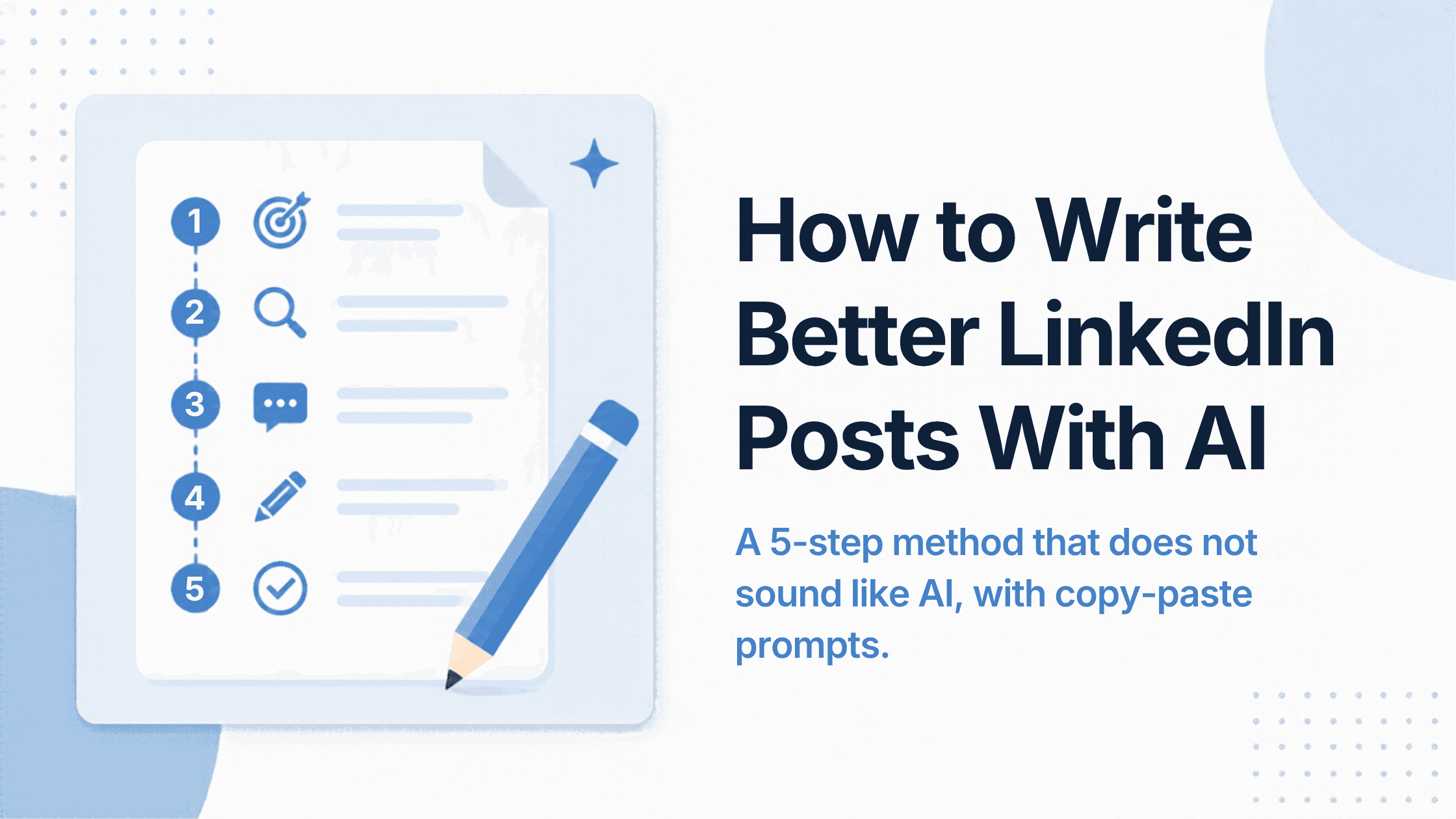
AI writes generic LinkedIn posts when you ask it to write. It writes good ones when you make it interview you first. Here's the five-step method, with prompts you can copy.
The usual way people use AI for LinkedIn is to type "write a LinkedIn post about X". That's also why AI posts are easy to spot: same openings, same three-part lists, same inspirational ending. The model isn't the problem. The input is.
AI is good at structure, phrasing and speed. It can't know what happened in your week. So the method below reverses the usual order: you supply the substance first, and AI handles the shape.
The prompts work in ChatGPT, Claude, Gemini or any LinkedIn writing tool.
Step 1: Give it a moment, not a topic
Topics produce generic posts. Moments produce specific ones.
| Topic (generic) | Moment (specific) |
|---|---|
| Customer feedback | A customer told us our onboarding felt like homework |
| Hiring | We rejected a candidate with a perfect CV and hired someone with none |
| Pricing | We raised prices and two customers thanked us |
Before opening any AI tool, write the moment in two or three messy sentences. That's your raw material.
Step 2: Let AI interview you
Don't ask for a draft yet. Ask for questions. This is where the details that make a post believable come from.
I want to write a LinkedIn post about this: [your 2–3 sentences]. Before writing anything, ask me 4 short questions, one at a time, to get the specific details: what happened, what I expected, what surprised me, and what I'd do differently. Don't suggest answers.
Answer quickly and honestly. Numbers, names of tools and things people actually said are gold.
Step 3: Set your voice rules
AI defaults to a polished, slightly salesy tone. Tell it how you actually write. The best input is three to five of your own past posts or messages.
Here are examples of how I write: [paste 3 posts or messages]. Rules: short sentences. No emojis. Never use these words: [e.g. "game-changer", "unlock", "delve", "journey"]. No rhetorical questions in the opening. No lists unless the content is genuinely a list.
If you keep re-pasting this every time, a tool that stores your voice saves effort. Our guide on making AI write in your voice goes deeper.
Step 4: Ask for a draft with a specific structure
Now ask for the post, and give it a shape:
Using my answers, write a LinkedIn post under 1,300 characters. Structure: opening line that drops the reader into the moment → what I expected → what actually happened → what I do differently now → one specific question for readers about their own experience. Give me 3 different opening lines to choose from.
Choosing between three openings is faster than fixing one. You can also try our free LinkedIn Hook Generator for more options.
Step 5: Edit with a checklist, not a vibe
Read the draft once out loud, then run this checklist:
- Would anyone else write this exact post? If yes, add a detail only you know.
- Delete the first sentence. If the post still works, keep it deleted.
- Find the AI tells: words you'd never say, a neat "Here's the thing:", a moral at the end. Cut them.
- Check every fact and number. AI can invent plausible details. If you didn't supply it, verify it or remove it.
- Is the closing question answerable? "Thoughts?" isn't. "What's the worst onboarding you've sat through?" is.
A shortcut: let AI critique, not write
If you'd rather write yourself, use AI as an editor instead:
Here's my LinkedIn post draft: [paste]. Don't rewrite it. Tell me: (1) where a reader would stop reading, (2) which sentence is the most generic, (3) whether the opening makes you want to click "see more". Be blunt.
This keeps the voice 100% yours while still catching weak spots.
What not to do
- Don't run AI text through a "humanizer". It swaps words but keeps the generic substance. We explain why in Humanizer vs Voice.
- Don't publish anything you haven't read in full. One invented statistic can cost more credibility than a month of posts earns.
- Don't batch 30 posts from one prompt. You'll get 30 versions of the same post. Batching works when each post starts from a different real moment. See AI LinkedIn Content Creation: A Practical Guide for how to batch properly.
Doing this faster
The method works in any chat tool, but steps 2 and 3 are the slow part: re-explaining yourself every time. LinkedIn-specific tools store your voice and background so you skip that. Coflux AI (which we make) asks clarifying questions when an idea is thin and drafts from your saved profile and documents. Other options are compared in the best AI tools for writing LinkedIn posts.
For what makes a post perform once it's written, see how to write a LinkedIn post that gets engagement.
FAQ
What is the best prompt for writing a LinkedIn post with AI?
One that gives the AI a specific moment and asks it to interview you before drafting. Asking for a post on a topic, with no details, produces generic results.
How do I stop AI LinkedIn posts sounding like AI?
Give it examples of your own writing, list words to avoid, and add details only you know during editing. Cut the first sentence and any tidy moral at the end.
Is it OK to use AI to write LinkedIn posts?
Yes, as long as the substance is yours and you check every fact. Readers react to generic or inaccurate content, not to the tool you used.